
The Ring Camera Is Lying to You: The High-Tech Mirage of Aging in Place
Why a wall of motion sensors and smart plugs is masking the real risks inside your parent's home.
Your dad did not fall because he forgot to wear his Apple Watch. He fell because his favorite armchair has a four-inch sinkhole in the left cushion, and his ankles are too stiff to fight the gravity of upholstery dry rot. Yet, we buy the three-hundred-dollar watch, sync it to our phones, and mistake a push notification for actual safety. It is a modern coping mechanism: converting our deep, existential panic about our parents' physical decline into a series of neat, digital alerts.
The direct answer
Smart home technology is an alarm system, not a prevention system. It tells you after your parent has spent four hours on the bathroom floor, but it does nothing to fix the slick tile or the lack of grab bars that put them there in the first place. Real safety requires physical modifications, not digital surveillance.
The Passive Witness Problem
We buy our parents Ring cameras, smart plugs, and Wi-Fi-enabled refrigerators because it makes us feel like we are doing something. If we can see that the refrigerator opened at 8:00 AM, we assume Mom is up, caffeinated, and thriving. It is a comforting feedback loop, but it is entirely superficial.
The camera in the hallway is not a safety device; it is a high-definition witness. It will record, with brutal clarity, the exact moment your father trips over the edge of the Persian rug he refuses to throw away. It does nothing to prevent the trip, nor does it cushion the impact when his hip meets the hardwood.
We call this the surveillance illusion. It allows adult children to outsource their physical presence to an app, trading actual environmental safety for a false sense of digital control. True safety is not broadcast in 1080p; it is silent, boring, and bolted to the wall studs.
The Myth of the Fall-Detection Wearable
The marketing for smartwatches and fall-detection pendants is incredibly seductive. They show active, silver-haired adults hiking up mountains, secure in the knowledge that a satellite is watching over them. But the reality inside a suburban home at 2:00 AM is starkly different.
First, the device has to be worn. A study by the National Poll on Healthy Aging found that many older adults leave their wearables on the charger overnight, which is precisely when they are most likely to fall during a groggy trip to the bathroom. Others simply refuse to wear them because the device feels like a public badge of frailty.
Second, the physics of a fall are rarely as dramatic as a sensor expects. Accelerometers are tuned to detect sudden, high-velocity impacts. If your mother slowly slides down a wall because her knees gave out, the sensor often registers nothing at all. This leaves you with a parent who is lying on the floor, unable to reach the device on the counter, while you sit at your desk believing everything is fine because your app is green.
What Actually Works (And What It Costs)
If you want to keep your parent safe in their own home, you need to stop buying gadgets and start looking at the floor. The most effective interventions are physical, structural, and entirely offline. They are also significantly cheaper than a trip to the emergency room.
Instead of a three-hundred-dollar camera system, invest in a $399 Certified Aging-in-Place Specialist (CAPS) home assessment. A trained specialist will walk through the home and identify the silent hazards you walk past every day: the lack of contrast on stair treads, the dim lighting in the hallway, and the grab bars that need to be anchored to studs, not drywall anchors.
From there, safety is about execution. It is about spending money on high-lumen LED bulbs to eliminate shadows that look like steps, installing continuous handrails on both sides of the staircase, and replacing traditional round doorknobs with lever-style handles. You can find vetted professionals to handle these physical modifications through our /home-services directory. Stop paying monthly fees for apps that only watch your parent struggle, and spend that money on physical interventions that keep them standing.
Common mistakes
- Relying on wearable fall detection without checking if they actually wear it.
Most parents take them off to charge or sleep because they feel like a brand of frailty. If the device is on the nightstand, it cannot call for help when they slip on the way to the bathroom. - Over-indexing on cameras while ignoring physical trip hazards.
Watching a parent struggle in 1080p does not stop a fall. Invest in lighting, threshold ramps, and grab bars instead of more cameras.
Frequently asked
Does Medicare pay for smart home safety technology or home modifications?
Traditional Medicare does not pay for smart home technology, cameras, or general home modifications like grab bars and ramps. Some Medicare Advantage plans may offer limited coverage for home safety devices, but it is highly restricted. Expect to pay out of pocket for both tech and physical modifications.
What is a CAPS assessment and why is it different from a tech setup?
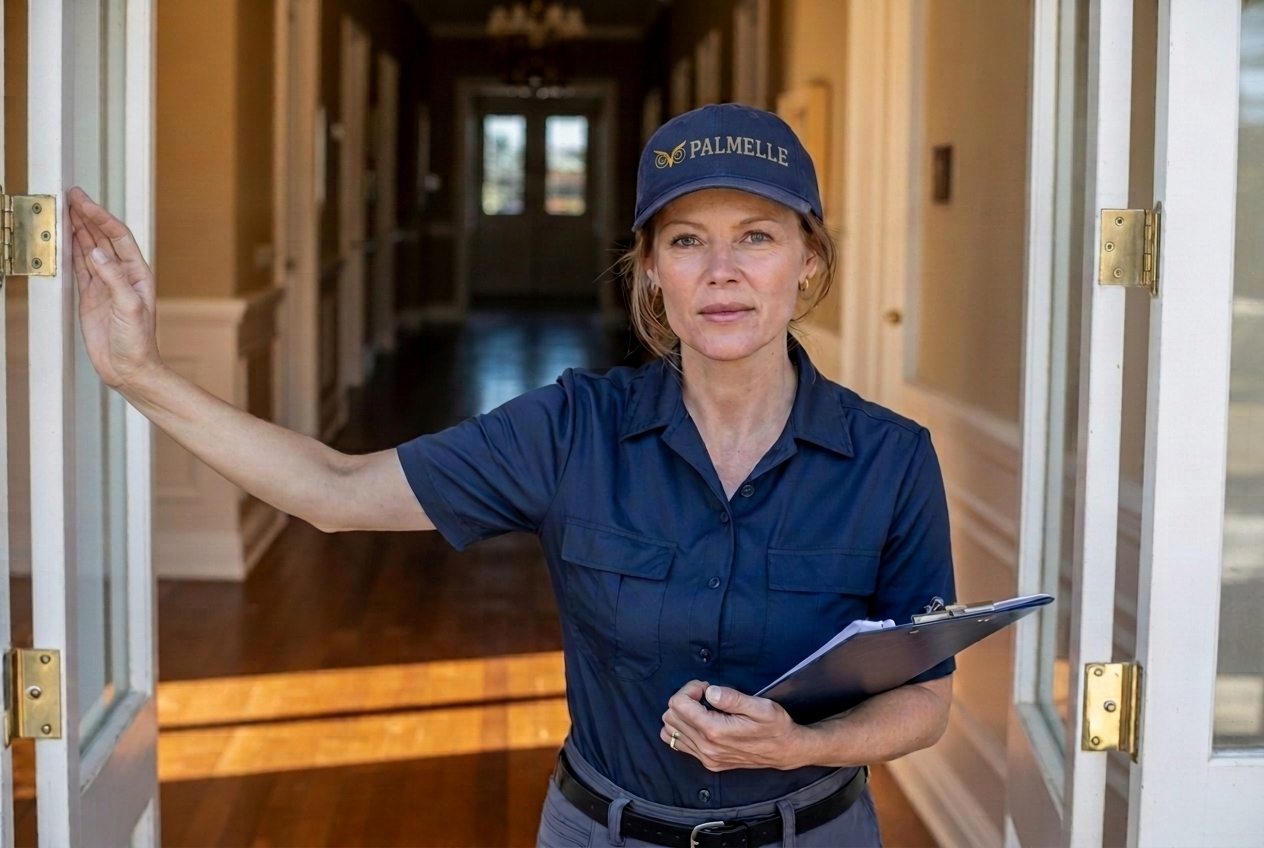
A Certified Aging-in-Place Specialist (CAPS) assessment is conducted by a professional trained by the National Association of Home Builders. Unlike a tech setup, which focuses on Wi-Fi and sensors, a CAPS assessment focuses on structural safety, accessibility, and physical barriers inside the home. It cost $399 through Palmelle and provides a blueprint for real physical safety.
My parent refuses to wear a fall detection button. What should I do instead?
Focus entirely on passive physical safety. Install motion-activated lighting along the path from the bed to the bathroom, secure all rugs with double-sided tape, and install high-contrast grab bars in the shower and next to the toilet. These physical interventions do not require your parent's active cooperation or consent to wear a device.
Sources
More from Home & Safety → · Back to Perch · Browse all stories